
Stop Wrestling with Slides: Why Gamma is a Course Creator’s Best Friend
If you are still spending hours tweaking alignment in PowerPoint or fighting with Canva just to get a simple slide deck ready, we need to talk.
As course creators, our workflows need to be agile. We need materials that look good, update easily, and don't require a graphic design degree to assemble. Enter Gamma.
I’ve been moving my workflows over to this AI-powered app, and honestly, it’s refreshing. Whether you are building marketing assets, course lessons, or client communications, here is how Gamma changes the game—and how you can start using it today.
Step 1: It Starts with the Content
The beauty of Gamma is that it doesn't just design for you; it organizes for you. You don’t have to start with a blank white screen.
Get your text ready: You can copy/paste existing content you’ve written, or grab the results from a Gemini or ChatGPT prompt (Psst: check out my guide on Course Creation Prompts to speed this up is on deck so check back and I'll update).

Paste and Choose: When you paste your text into Gamma, you get three powerful choices:
Summarize: Great if your notes are messy and you want Gamma to make them concise.
Expand: Use this if you have a rough outline and want Gamma’s AI to flesh it out.
Preserve: This is my go-to for course content. It keeps your expertly written copy exactly as it is but makes it look beautiful.
Step 2: Visuals and Formatting
Once the text is in, you select your format: Slides, Document, or Webpage. Don't stress too much about the page count or the format right now; you can easily split cards, meld them together, or change the layout in post-production.
A Note on Images: Gamma asks if you want "AI Generated" images or "Stock Photos."
Pro Tip: I almost always choose Stock Photos. I find the AI-generated images can be a bit hit-or-miss, while the stock libraries are generally cleaner and more professional. But don't worry—you can easily right-click and swap any image later if you change your mind!
Step 3: Editing is a Breeze
If you are used to clunky toolbars, you’ll love this. Editing text is inline and intuitive. If you need to add something new—like a video, a chart, or a button—just type a forward slash / to pull up the menu. It feels very modern and fast.
The Real Superpower: Sharing and Embedding
This is the feature that made me switch. While you can export your Gamma creations as Google Slides, PowerPoint, or PDFs, the real magic happens when you use the Embed feature.
Why Embedding beats Downloading: We’ve all done it: we upload a PDF workbook to our course, notice a typo three weeks later, fix the original, re-save as PDF, re-upload to the course platform... it’s a pain.
With Gamma, you embed the presentation or document directly into your course lesson.
The Big Win: When you need to update the info, you just edit the Gamma file. It automatically refreshes inside your course. No re-uploading required.
Better Student Experience: It is much more visual and accessible than forcing a student to download a PDF (which, let’s be honest, often sits in their "Downloads" folder and never gets looked at).
3 Ways I’m Using Gamma Right Now
Mobile-Friendly Ebooks: I have transferred all my ebooks to Gamma. Because they can be viewed as webpages, they look stunning on mobile devices. I just share the link, and my readers get a great experience regardless of what device they are on.
Client Approvals (Dubsado): I use the embed feature inside my Dubsado forms. I can have a client approve copy and design on a questionnaire, and because it’s a live link, they see my updates in real-time without back-and-forth emails. Plus this saves $ on the apps that do this, think of usepastel for example.
Course Materials: As mentioned above, replacing static PDFs with dynamic Gamma embeds keeps my course content fresh and easy to manage.
Ready to Upgrade Your Course Assets?
It really is worth refreshing your PowerPoint or Canva skills and taking a look at Gamma. It saves time and creates a much smoother experience for your students.
If you want to see exactly how I can help you implement this into your business, or if you want me to handle the migration for you, check out my services below.
View the Gamma I'm sending out to clients who want to see my prices and offers.



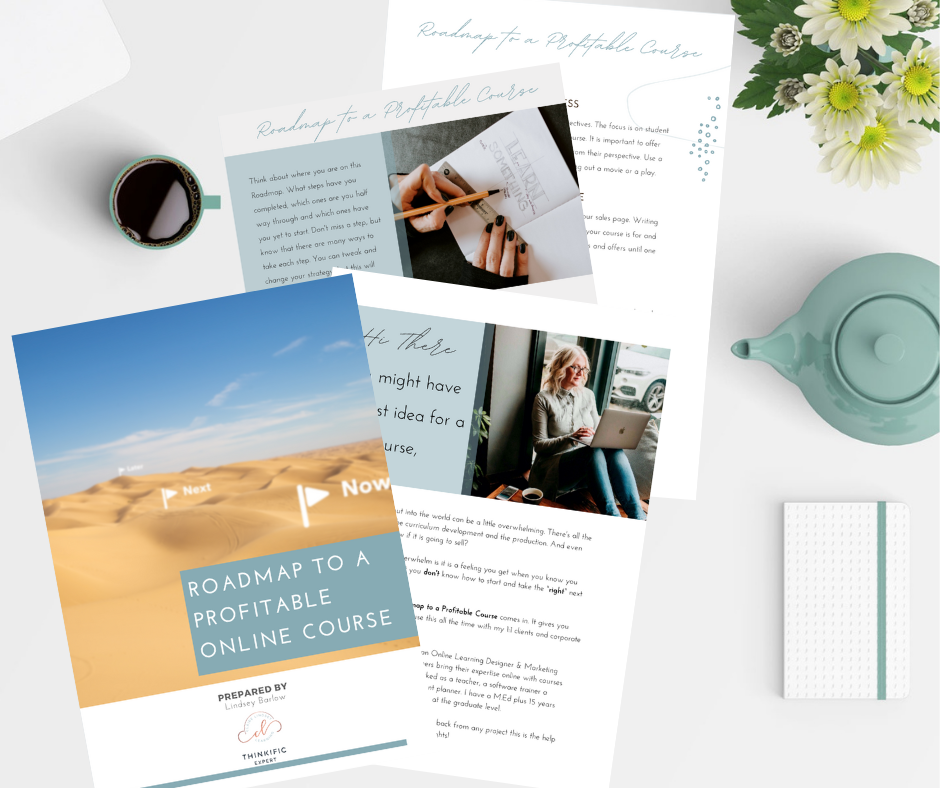
If you are feeling OVERWHELMED, STUCK and CONFUSED...get instant access to
ROADMAP TO A PROFITABLE COURSE
FREE WORKBOOK and VIDEO TRAINING
This Video Training covers the 7 steps to help you create your profitable course with ease!
LET'S CONNECT
Claire Lindsey Learning LLC is committed to creating learning experiences with clients where all identities feel welcome and comfortable in being and expressing themselves. We embrace all genders, ages, cultures, ancestries, ethnicities, races, colors, sexual orientations, physical abilities, learning styles, religions, familial statuses, marital statuses, occupations, veteran statuses, nationalities, citizenships, and socio-economic statuses.